Structural Design with Revit & STAAD Pro
Master the complete structural design workflow — from architectural modeling in Revit to structural analysis in STAAD Pro — as used by India's top structural engineering firms.
- Revit
- STAAD Pro
- AutoCAD
Engineering imagination into impact.

TechM4Engineering · Industry-ready learning
Learn Revit, ANSYS, VLSI, EV powertrains, full-stack DevOps, Aspen Plus and more through real projects, structured mentorship and lab programmes that run inside your institution.
At a glance

Choose your discipline
Choose a discipline to preview its tools and focus, then explore the programmes built for it.
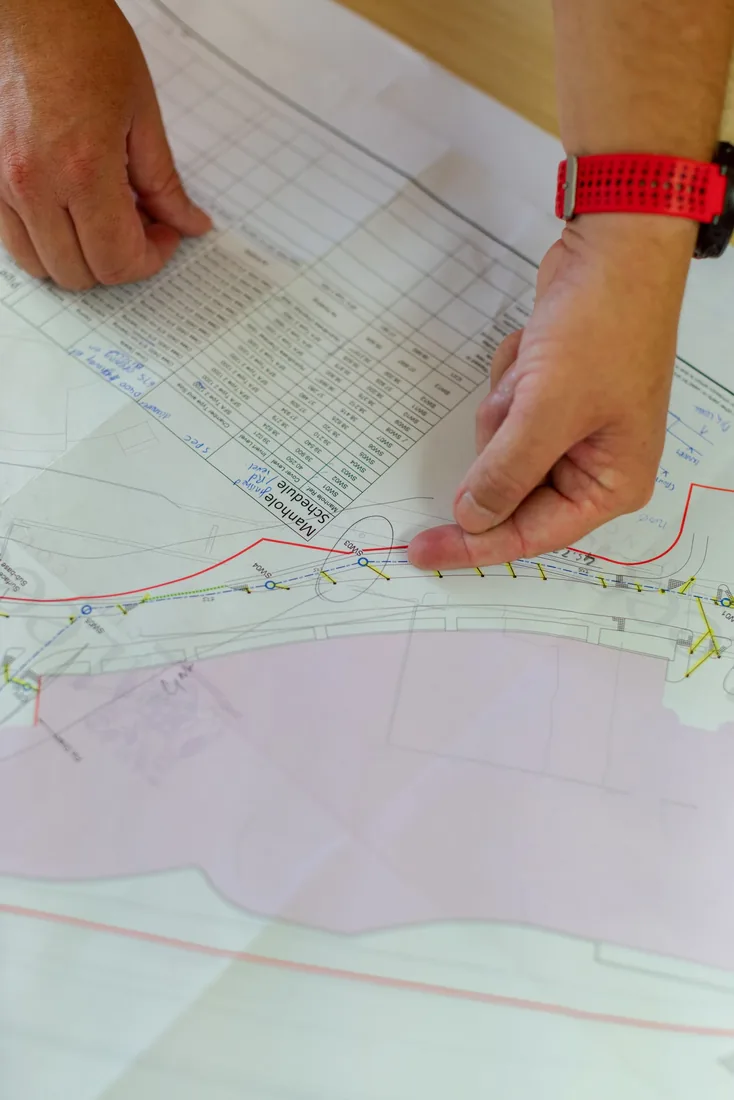
Illustrative photographStructural design, BIM modelling and the digital construction workflows used by India's infrastructure firms.
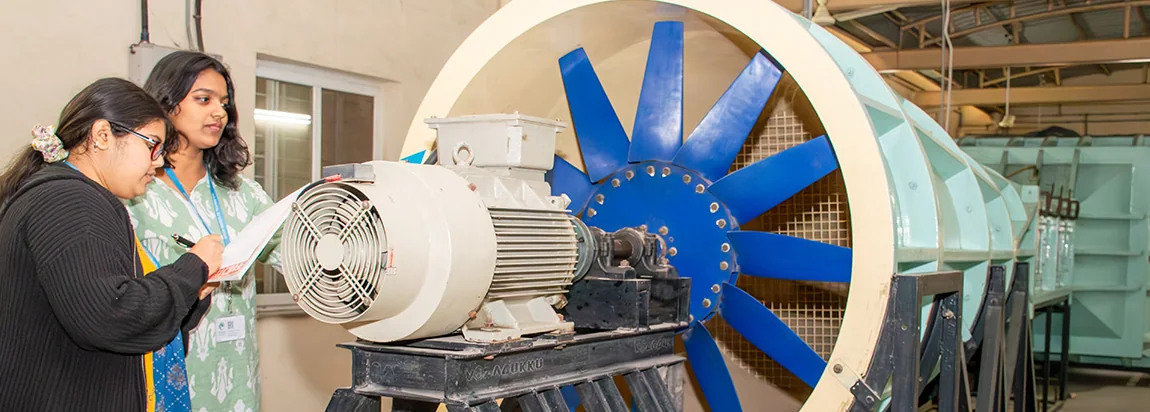
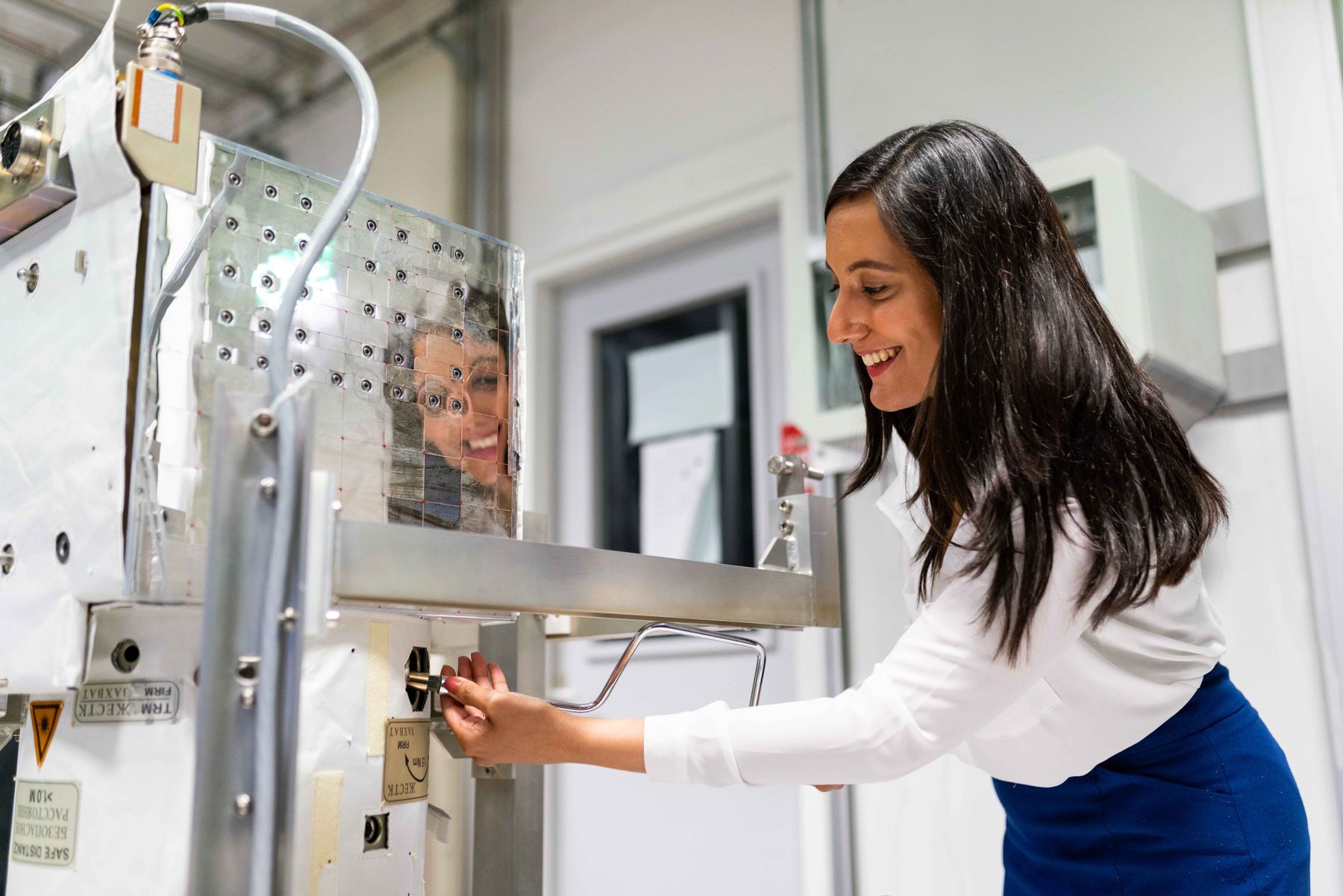
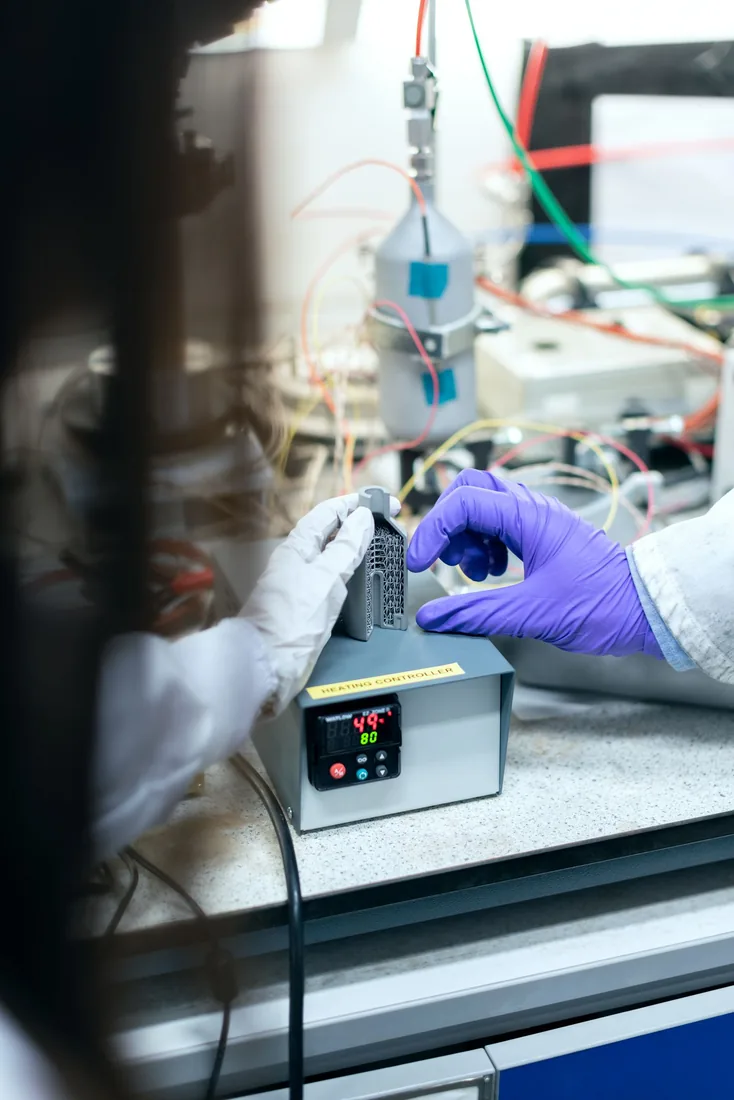
Illustrative photographFEA, simulation, product design and the manufacturing tools used across aerospace and automotive work.
Illustrative photographFull-stack development with DevOps, cloud architecture and modern AI and machine-learning pipelines.
Illustrative photographElectric-vehicle powertrains, battery management systems, smart grids and renewable energy.
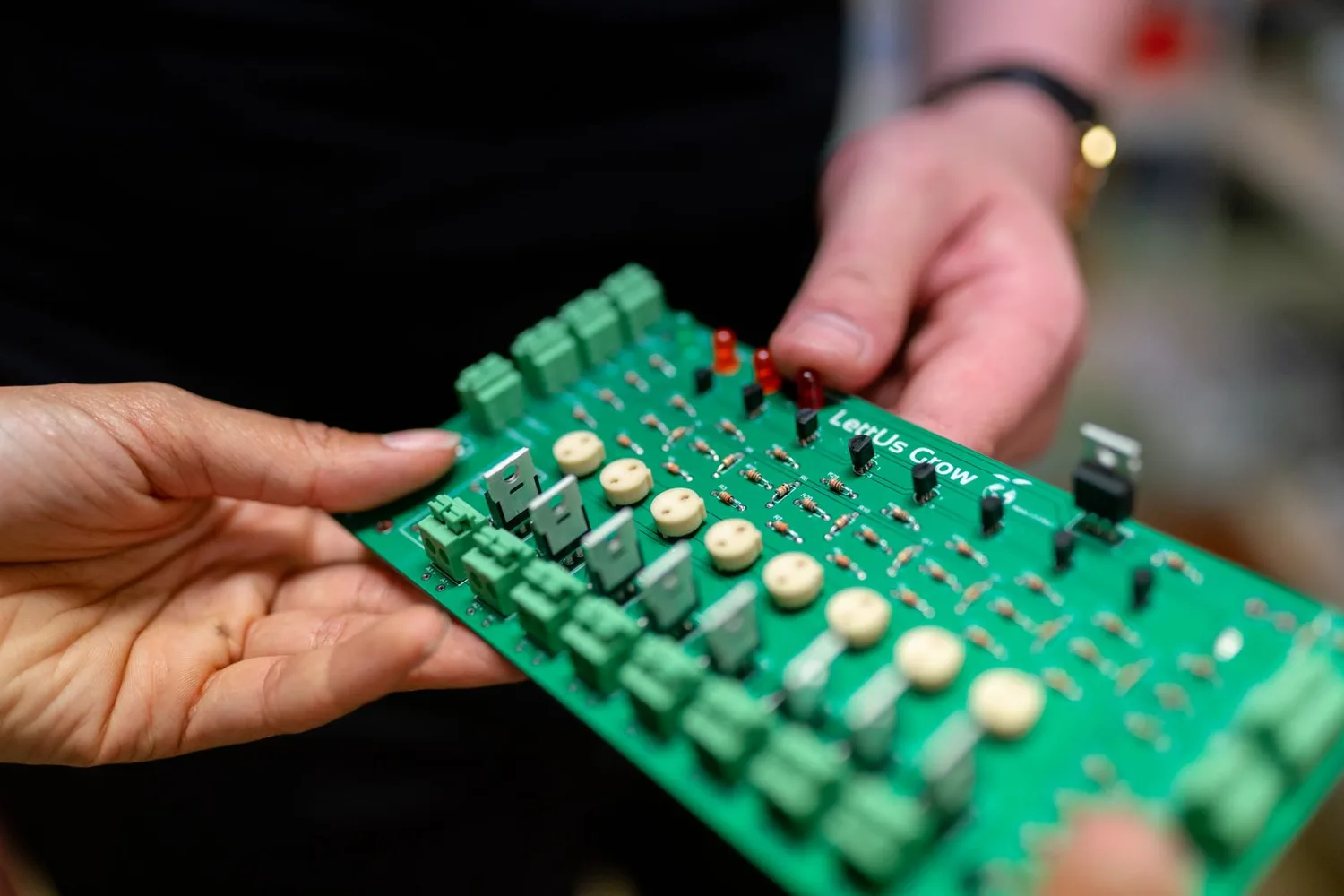
Illustrative photographVLSI digital design, FPGA architectures and microelectronic circuit modelling.
Illustrative photographEmbedded firmware, IoT networks and real-time communication systems.
Illustrative photographProcess simulation in Aspen HYSYS, piping layouts and industrial water-treatment design.
Illustrative photographStructural design, BIM modelling and the digital construction workflows used by India's infrastructure firms.
The TechM4 path
Every programme follows the same five phases, from foundational theory to industry-ready delivery on real projects.

Phase 1 of 5 · Foundation
Master the fundamentals: engineering theory, software basics, industry standards and good practice.
For exampleInterfaces, drawing standards and BIS codes before the first project brief.

Phase 2 of 5 · Application
Apply the tools to real-world work: architectural layouts, structural models, mechanical assemblies.
For exampleA five-storey RC framed building modelled in Revit from architectural inputs.

Phase 3 of 5 · Simulation
Run simulations, structural analysis and FEA workflows, and check each design against industry codes.
For exampleSeismic analysis of a G+10 structure for IS 1893 compliance.

Phase 4 of 5 · Project lab
Deliver a capstone: complete deliverables, documentation and portfolio-grade outputs.
For exampleA full project package: model, analysis, drawings and report.

Phase 5 of 5 · Industry ready
Present to industry, prepare for placements and internships, and earn your certification.
For examplePortfolio presentation, interview preparation and referrals.
Programmes
30 programmes across 7 disciplines. Filter by discipline, duration or tool, then open any programme for its full curriculum, projects and career paths.


Showing 30 of 30 programmes
Master the complete structural design workflow — from architectural modeling in Revit to structural analysis in STAAD Pro — as used by India's top structural engineering firms.
Advanced BIM workflows and high-rise structural analysis using ETABS — the industry standard for multi-storey building and seismic analysis in India.
Complete AutoCAD and Civil 3D training for site planning, road design, drainage networks and infrastructure layout — essential skills for every civil engineering professional.
Master project scheduling, resource allocation, cost estimation, and earned value management (EVM) for large-scale infrastructure projects.
Learn soil mechanics, slope stability analysis, shallow and deep foundation design, and soil-structure interaction modeling using industry tools.
Master Finite Element Analysis (FEA) using ANSYS Workbench — the world's leading simulation platform used by aerospace, automotive, and mechanical engineering industries globally.
Tool ecosystem
28 tools from the programmes, taught as workflows from the first exercise through to the capstone.


Our vision
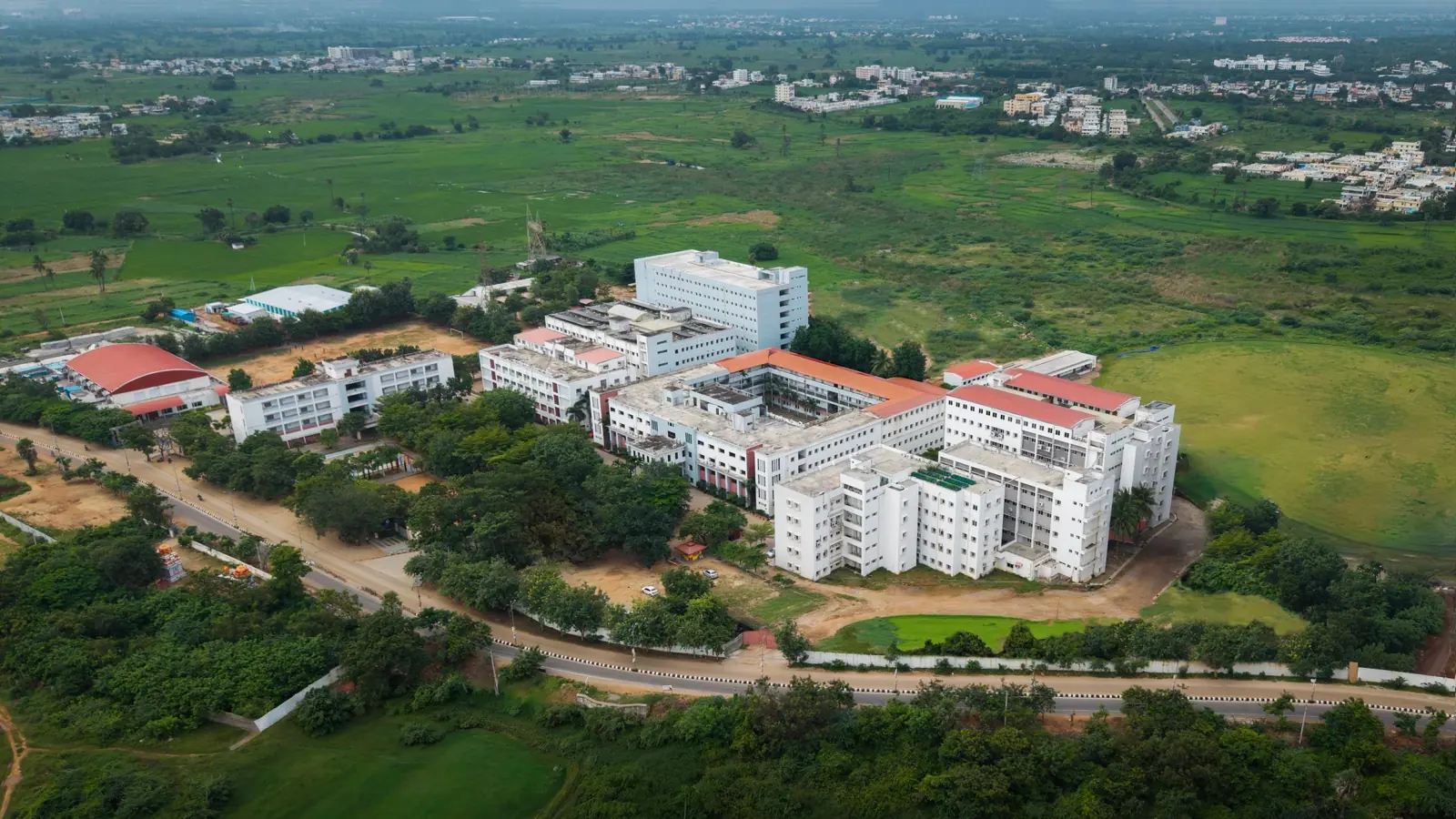
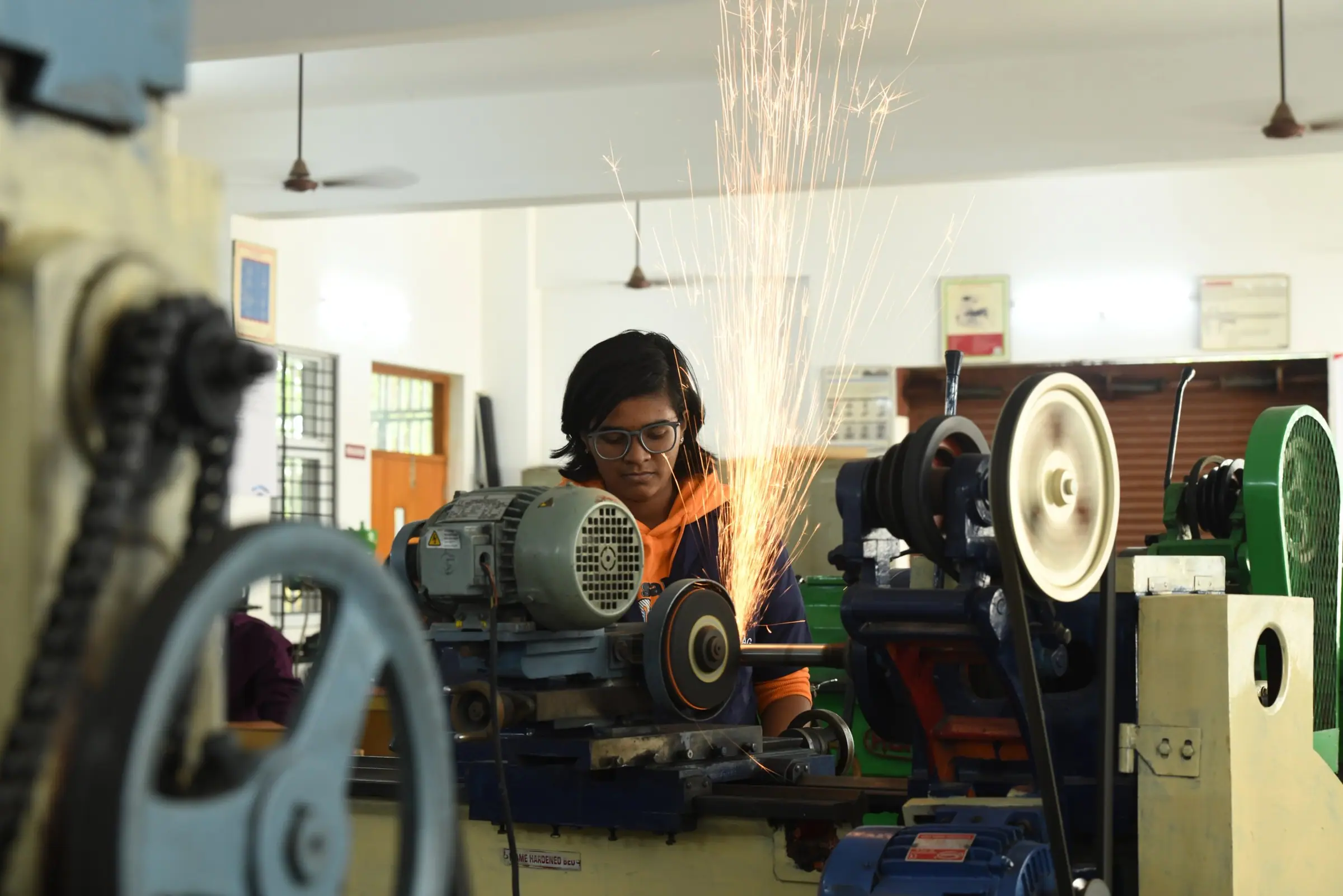
TechM4Engineering's vision is to build industry-standard engineering labs inside colleges and universities across India, so students use professional tools on their own campus.
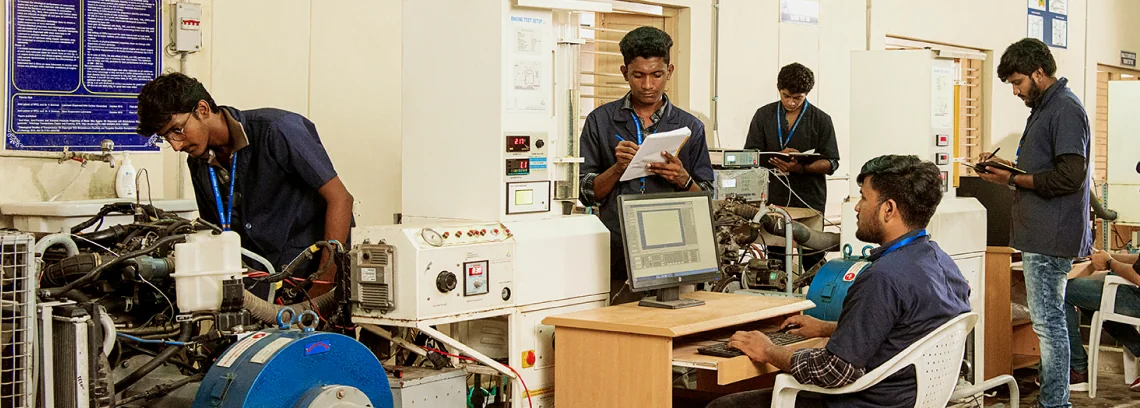
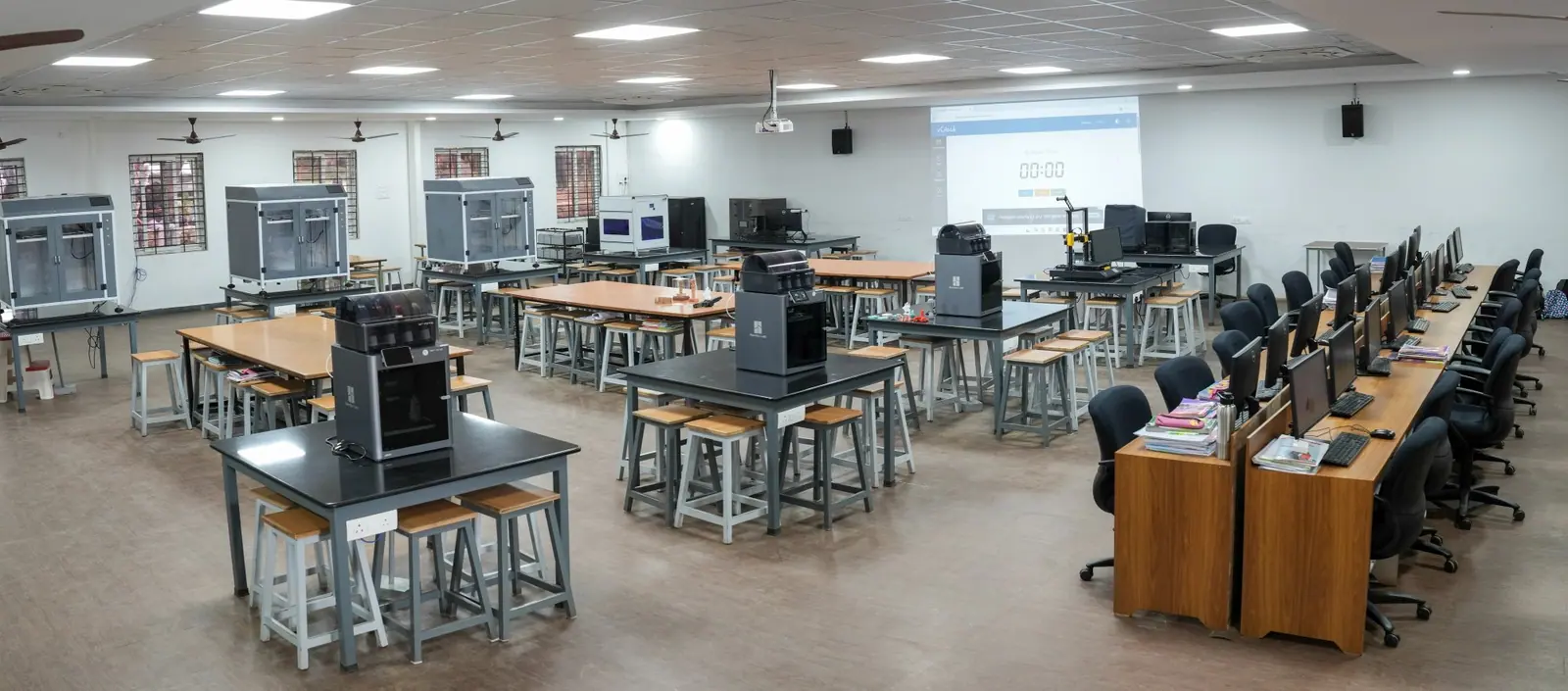
Revit, STAAD Pro and ANSYS workstation labs set up inside engineering colleges, with daily access for students.
MoU partnership modelProgrammes designed to be recognised as academic credit, bridging industry training and the university curriculum.
University credit readyPractitioners join as guest faculty and bring current project experience and workflows into the classroom.
Expert-led trainingStudios where students work on real engineering assignments and build portfolios with real deliverables.
Real projectsSpaces for student-led research, prototyping and applied engineering, backed by TechM4India's technical team.
Research enabledPipelines to consultancies, construction firms, manufacturers and infrastructure companies for internships and jobs.
Industry connected


Programme structure
Semester-length programmes aligned with university calendars, so they sit inside B.Tech and M.Tech curricula instead of competing with them.
Semester I
An introduction to industry software: CAD basics, BIM fundamentals, drawing standards and engineering documentation.
Semester II
From modelling to analysis to design verification with STAAD Pro, ETABS and ANSYS.
Advanced
HyperMesh meshing, BIM coordination, clash detection and construction documentation.
Industry partnership
Programmes built with a university, integrated into its curriculum with faculty co-training, lab setup and student certification.
Campus life
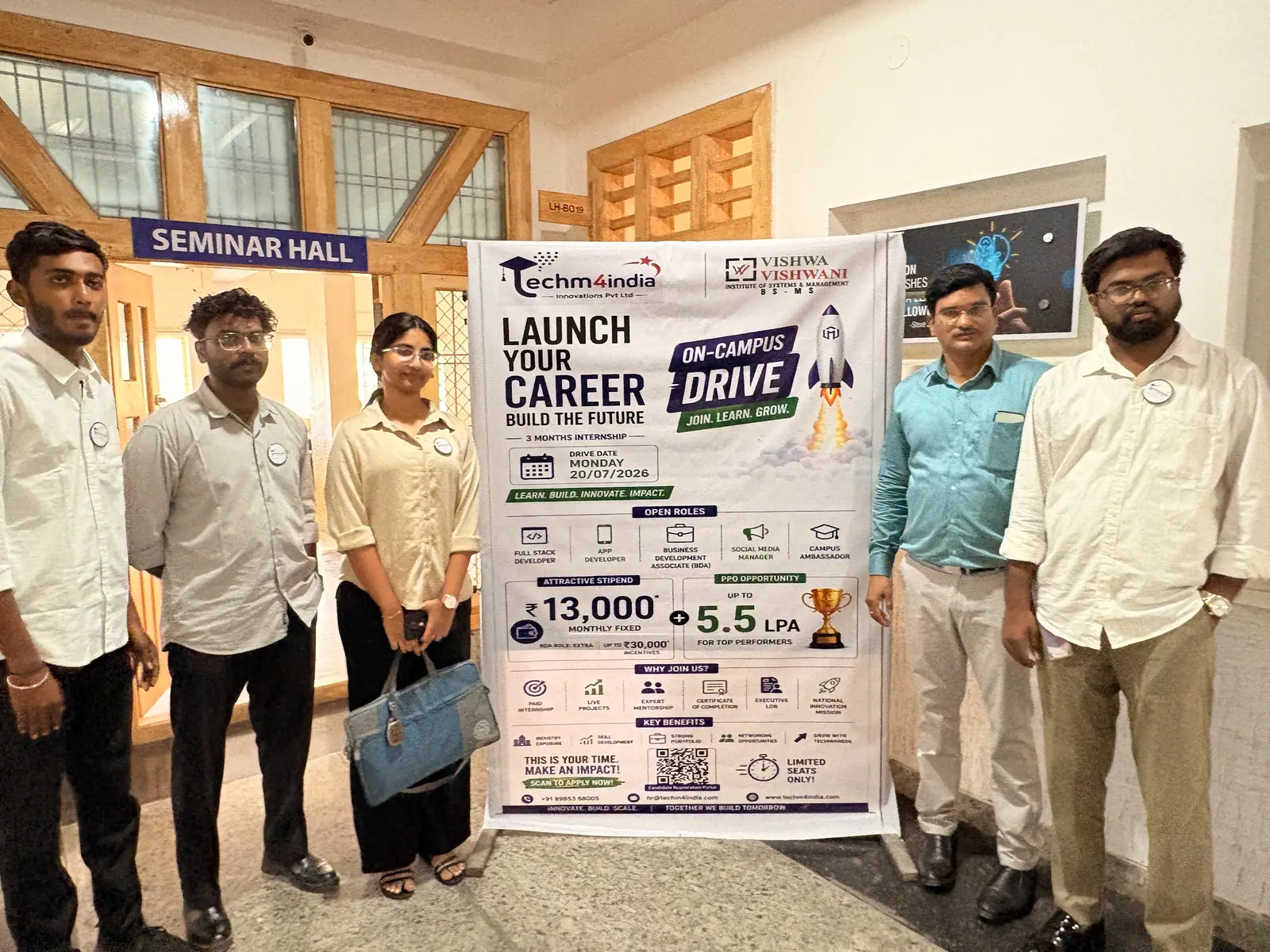
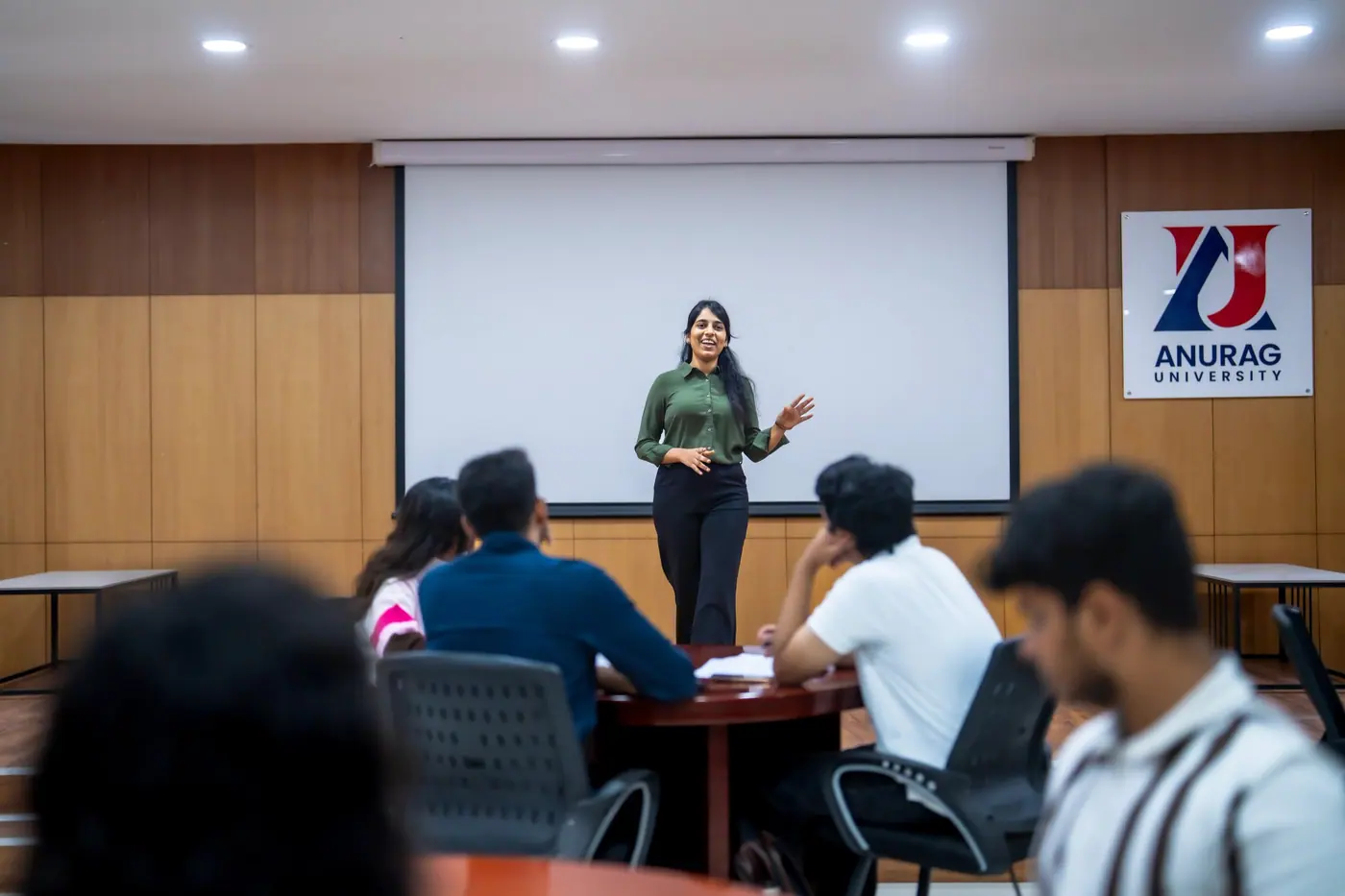
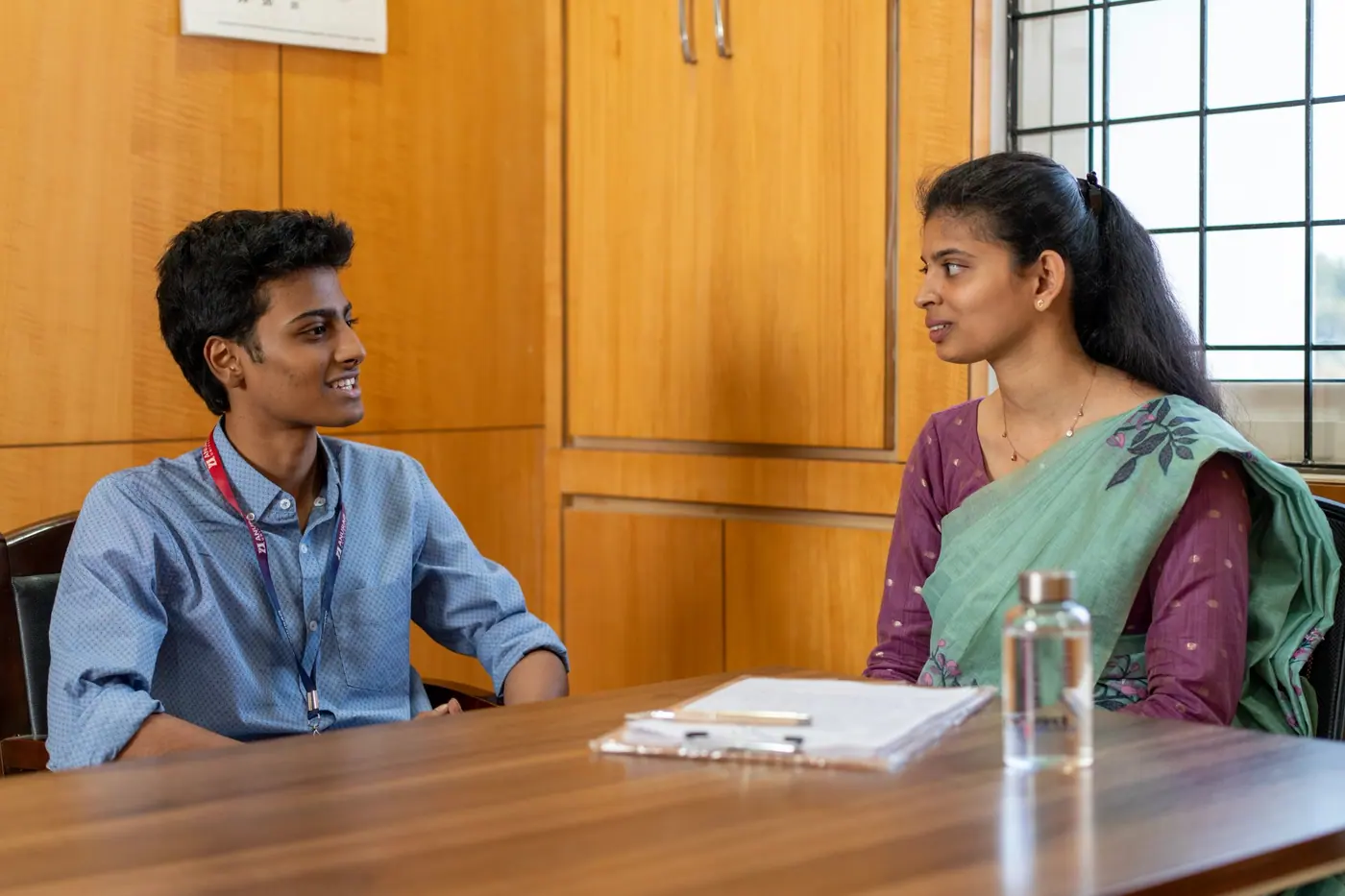
TechM4India takes its hiring to campus. At Vishwa Vishwani the team introduced the company and the roles on offer, then held a written assessment in the hall.

What you gain
Drawings, models, analysis and a TechM4India certificate for the programme you finish.
Structural drawings, analysis reports, BIM models and simulation results that show what you can do.
Workflow-level skill across several industry tools, beyond a basic introduction.
A TechM4India certificate for every programme you complete.
Resume building, interview preparation and referrals to engineering consultancies, EPC companies and manufacturers.
FAQ
For students, faculty and institutions planning a programme or a lab.
Programmes run for 3 months, 4 months or 6 months, between 36 and 72 sessions, and each ends with a capstone project.
Each programme is designed for 3–6 credits and to sit inside a university's academic calendar, so it can run alongside B.Tech and M.Tech curricula.
Yes. Under an MoU we align the curriculum to your syllabus, support the software lab setup and licensing, co-train your faculty through an FDP and certify your students.
7 disciplines: Civil, Mechanical, CSE, Electrical, Electronics, Communication, Chemical. Each has its own programmes, tools and capstones.
Every programme follows the same path: learn, design, analyze, build and implement. Students finish with real deliverables such as drawings, analysis reports, models and working code.
Labs, mentors, credit-ready programmes and a placement pipeline, shaped around your departments and your academic calendar.
Enquire
Tell us who you are and what you are looking for. Students get help choosing a programme; institutions get a plan for labs, faculty development and credit integration.